dingz DESIGNER: from planning straight to commissioning

We launched it at ineltec 2026, and it has been in use ever since: the dingz DESIGNER. Many electricians are already planning their dingz projects with it and saving time on planning and commissioning.
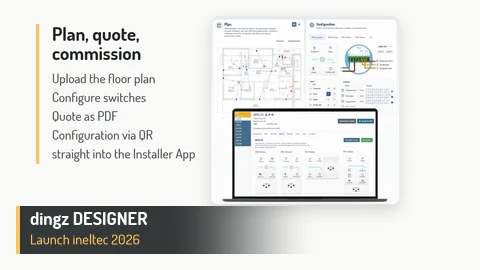
From planning and quote straight to commissioning: the dingz DESIGNER automatically creates the configuration data and the customer documentation as a PDF. Instead of configuring each switch on site, the data is simply transferred. This saves time and considerably reduces the work on site.
How it works
- Upload the floor plan: upload the floor plan and place switches as well as loads such as lighting, blinds and sensors directly on the plan.
- Configure: define buttons, outputs and groups for each switch. The wiring diagram for the installer is created automatically.
- Plan the network: add access points and network devices right in the project.
- Materials and quote: bill of materials and quote PDF at the push of a button.
- Involve the customer: define button assignment and laser engraving per room and switch and share it with the customer, via a read-only link or as a dossier.
- Commissioning: release the configuration as a version and transfer it to the Installer App via QR code.
A novelty at ARCHITECT@WORK
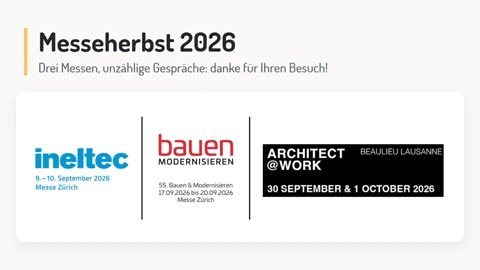
The jury of ARCHITECT@WORK Lausanne, made up of architects and interior designers, also accepted the dingz DESIGNER as a novelty. This allowed us to present it to the professional audience in French-speaking Switzerland on 30 September and 1 October.
Would you like to get to know the DESIGNER? We are happy to show it to you: 📧 hello@iolo.ch